
App development handover checklist
What should an app handover include? Check release code, reproducible builds, store access, backend services, secure credentials, documentation, and readiness for the next update.
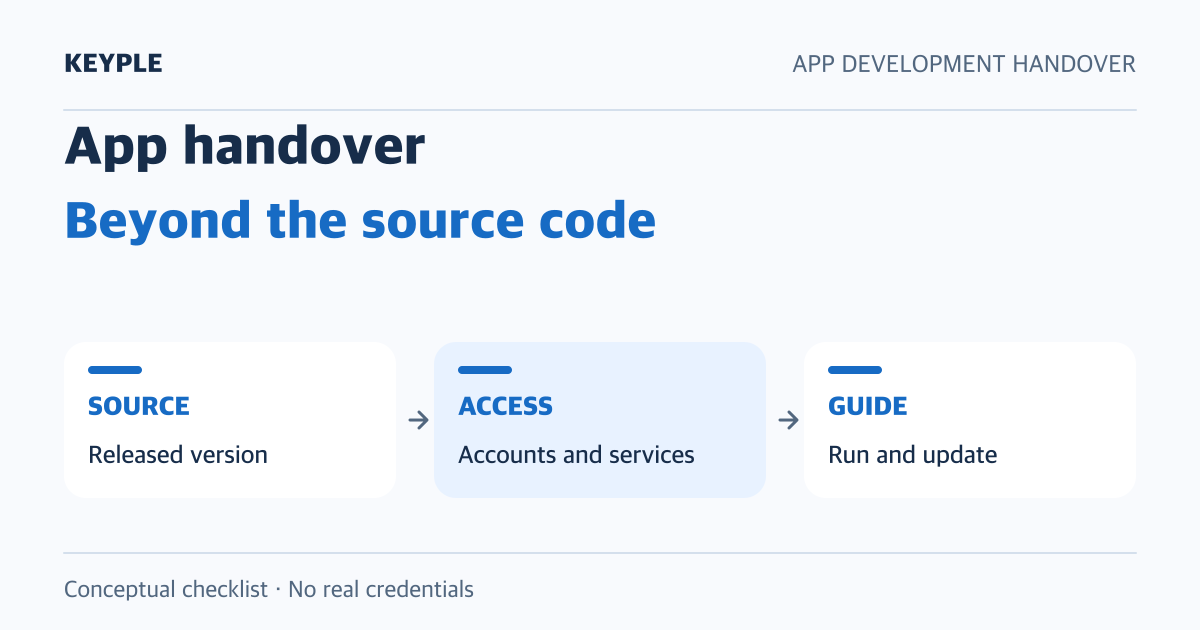
An app handover is more than receiving source code. The next maintainer should be able to run the app in the agreed environment, verify operational access, and produce a new build. This practical checklist covers code, accounts, deployment, and documentation. Agree on acceptance criteria and responsible owners before starting the handover.
1 Identify the source code behind the released version
Record the repository, branch, commit, or tag that matches the version distributed through the stores. If work in progress differs from the released code, the next maintainer needs a clear starting point.
- Repositories for the app, backend, and admin web included in the agreed scope
- Release version numbers and corresponding commits or tags
- Dependency manifests and the lockfiles used by the project
- Unmerged changes, known defects, and unsupported features
- How the commissioning organization will manage repository access and backups
An example acceptance criterion is that the next maintainer can access the specified release code and explain each repository's purpose. An archive labelled final is not enough evidence by itself.
2 Reproduce execution and builds in a separate environment
Document the versions and installation steps for the tools actually used, such as Flutter, Dart, Xcode, and Android tooling. Distinguish test and production configuration, where values are injected, build commands, and output artifacts.
- Required tools, versions, and setup instructions
- Dependency installation and any code generation before execution
- How to select test and production environments
- Android and iOS build and internal testing procedures
- Where to find logs when a build fails
Ask the next maintainer to follow the instructions in a prepared test environment and produce a build. Define a verification scope that does not alter production data or publish an update. Record reproducible results and unresolved blockers.
3 Separate store access changes from app transfers
Identify who holds the app and who performs release work in Play Console and App Store Connect. A developer invited into the client's account is different from an app registered under the agency's account. Changing maintainers does not necessarily require moving the app between accounts.
If the app must move to another developer account or organization, review the official transfer criteria first. Apple describes checking eligibility, backing up app information, and having the respective Account Holders initiate and accept the transfer. Features such as payments, sign-in, and notifications may require additional checks. Use the Apple app transfer overview to identify applicable steps.
Google Play also describes account readiness, signing, payments, and integrated services separately. Do not substitute account password sharing for the official process. Check current requirements in the Google Play app transfer guide.
Acceptance means that the next maintainer can locate the app and perform the agreed release tasks under the chosen account structure. An actual public submission remains a separate approval step.
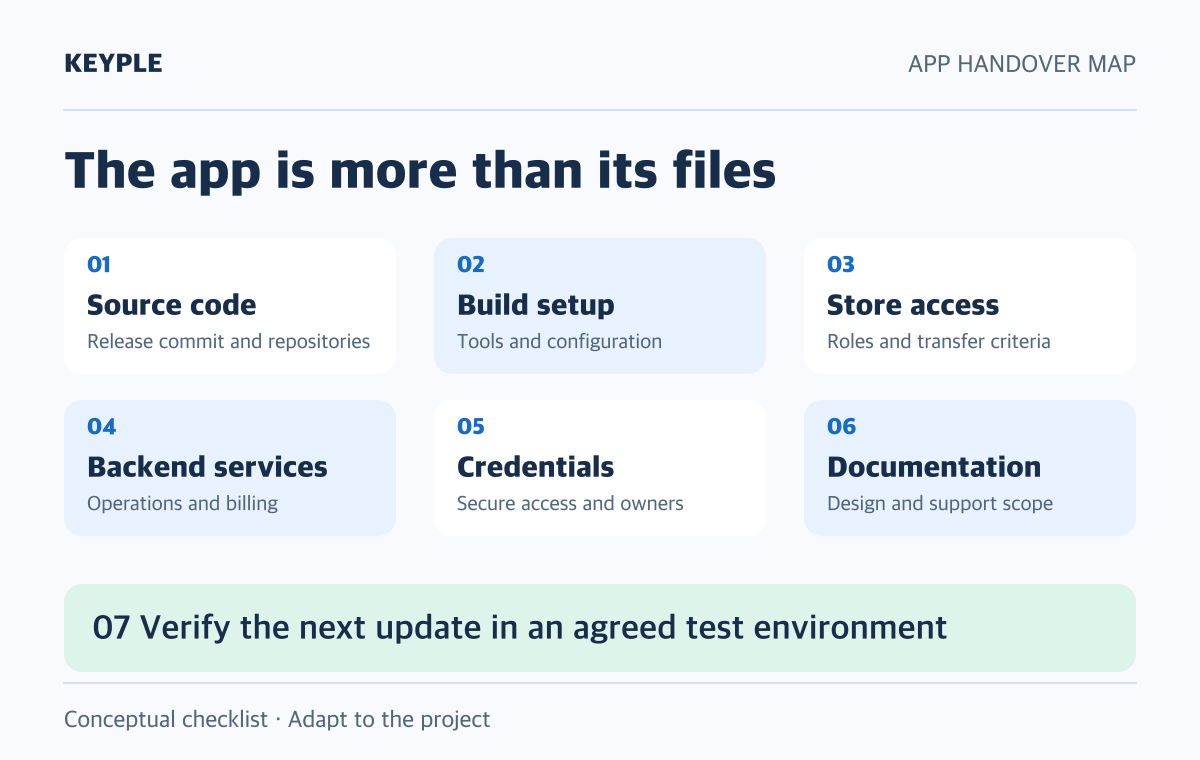
4 Map backend services and billing responsibilities
List Firebase, databases, backend and admin hosting, domains and DNS, notifications, messaging, email, analytics, and error monitoring used by the app. Record project identifiers, management consoles, operational owners, billing contacts, and where usage is reviewed. Separate development fees from recurring third-party charges.
An app transfer does not replace every external service handover. Google Play's guide describes separate actions for Firebase connections, analytics permissions, and advertising SDK integrations. Verify app transfer, backend access, and billing administration separately. See the integrated services checklist.
Firebase uses member roles to manage access. Verify the permissions the next maintainer needs rather than granting broad access to everyone for convenience. The Firebase IAM overview explains roles and the principle of granting only necessary access.
5 Provide secure access to signing assets and credentials
Manage assets used for signing and uploading the app, backend secrets, and external API credentials separately from ordinary operating documentation. Record their secure storage location, owner, access procedure, expiry, rotation, and recovery process, not the secret values themselves.
- Whether Android uses Play App Signing and how the upload key is managed
- iOS signing, distribution settings, and notification credentials
- Backend secret names, injection locations, and responsible owners
- Accounts used by automated deployment and their required permissions
- The sequence for reviewing former maintainers' access after acceptance
Google Play advises considering the security of the upload key and app signing key separately when transferring an app. Do not treat them as interchangeable or assume that every app requires delivery of a private signing key file. Review the Play App Signing transfer considerations.
Before rotating credentials or removing permissions, check replacement access and dependencies. Agree on verifying the new maintainer's ability to work before removing access that is no longer needed.
6 Preserve operating instructions and acceptance evidence
Organize admin instructions, screen and feature specifications, API documentation, design source files, store copy and images, and policy and support URLs. For third-party fonts, images, and libraries, document their sources, applicable usage terms, and material that needs ongoing management. Confirm delivery scope and usage rights against the agreement and actual implementation.
Acceptance records should distinguish the test environment and accounts, expected behavior, known defects and reproduction steps, and future release candidates. Do not mark failed checks as complete. Record the owner and next action instead. Check that shared documentation and screenshots do not expose production users' personal information or secrets.
7 Verify readiness for the next update and incident response
Base final acceptance on the agreed work the maintainer can perform, not the number of files delivered. A verification plan can ask the next maintainer to run and build in a test environment, access required consoles with their own account, and explain release preparation and rollback procedures.
- Run the specified version and produce a test build
- Verify agreed core user journeys in the test environment
- Check working access to stores, backend services, and management tools
- Review incident logs, backups, and recovery procedures
- Record unresolved items, owners, and handover acceptance criteria
Separate defect fixes, new features, OS compatibility work, and responses to external service changes. Record support periods and contact routes. Production deployment, permission removal, and credential rotation require defined owners and approval conditions.
Start with the material you already have
If a handover has already happened, first collect repository and store URLs, a list of delivered documents, and the stage where work is blocked. These details help KEYPLE identify a useful review scope. Do not attach account passwords, credential values, or real customer data to an initial inquiry.
For planned updates, see Flutter app maintenance cost and scope. For release blockers, see App Store and Google Play review guidance.
This is a technical handover checklist, not a guarantee of transfer eligibility or project cost. Required deliverables, rights, and support scope depend on the agreement, actual operating structure, and each service's current conditions.