
Flutter app maintenance: how to define cost and scope
How to separate bug fixes, SDK and OS updates, feature improvements, and store releases when estimating maintenance for an existing Flutter app.
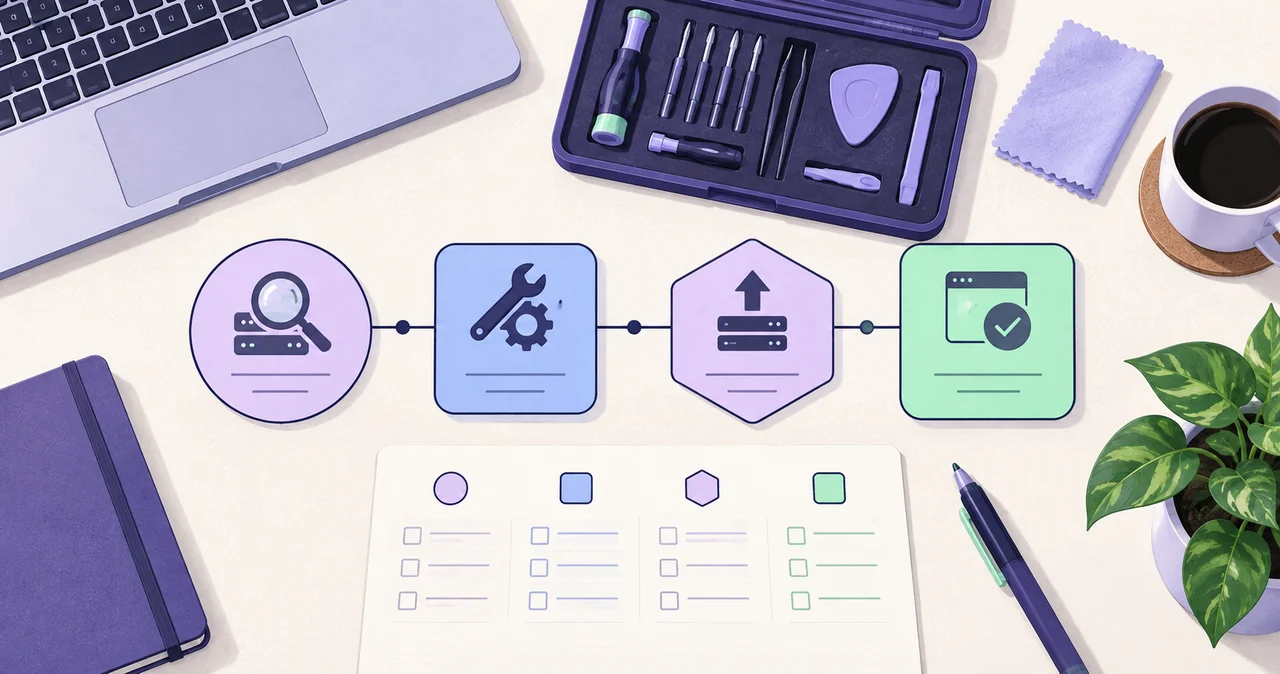
Flutter maintenance can range from one visible bug to a full development-environment upgrade and a new App Store and Google Play release. A reliable estimate requires more than a screenshot of the symptom: the source, build environment, connected services, and expected result must be reviewed together.
1. Review the project state before focusing on the symptom
The same build error can come from a Flutter or Dart version, Android Gradle and target SDK settings, Xcode configuration, certificates, or an outdated package. That is why a screenshot alone rarely defines the full scope or timeline.
Running the complete project and reviewing the last successful build, reproduction steps, and logs separates a contained fix from an update that affects several dependencies.
2. Identify the factors that shape a maintenance estimate
Maintenance cost depends more on investigation depth and the systems affected than on screen count. Preparing the information below reduces assumptions during the first review.
- Availability of the full source repository, working branch, and reproducible environment
- Reproduction steps, logs, screen recordings, and a test account where required
- Current Flutter, Dart, Android, and iOS versions and the last successful release
- Firebase, Supabase, payments, notifications, authentication, and external APIs
- Whether one platform or both Android and iOS must be validated
- Whether the scope ends with a code fix or includes release builds and store updates
3. Separate diagnosis, repair, upgrade, and release
A reproducible feature bug can be handled as a focused task when its cause and impact are contained. If several screens fail or the project no longer runs in a current development environment, dependencies, build configuration, and platform code need to be reviewed together.
For an old app, it is often safer to define intermediate steps and a target version rather than update everything at once. Separating repair, version upgrades, and store release also creates clearer acceptance criteria for each stage.
- Diagnosis: run the project, inspect logs, and define cause and impact
- Repair: resolve crashes, UI issues, feature defects, and integration failures
- Environment upgrade: update Flutter, Dart, SDKs, packages, and build settings
- Release: support signing, versioning, release builds, and store updates
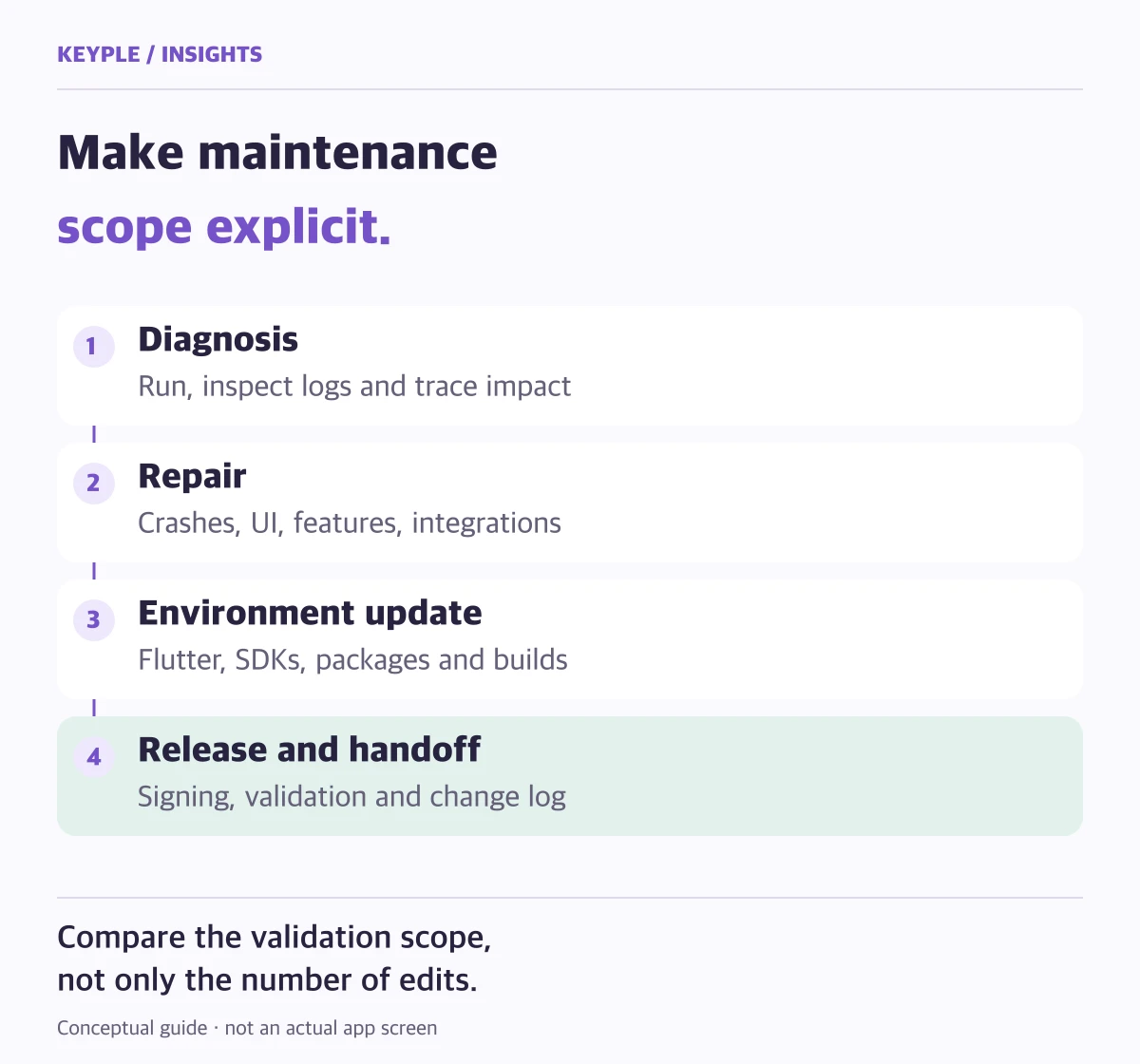
4. Validation scope often affects the timeline more than edit count
A code change may be small while authentication, payments, and notifications still require broader testing across connected systems. Supporting both iOS and Android adds platform-specific permission, signing, device, and store-policy checks.
Missing server access, certificates, test accounts, or third-party documentation can delay diagnosis. Preparing the required material and responsible contacts before work begins is the most practical way to keep the schedule predictable.
5. Agree on acceptance criteria and handoff deliverables
Maintenance is complete when the agreed symptom no longer reproduces and the relevant user journeys and release build have been verified—not merely when code has changed. Revision rounds, new features, defects, and future policy changes should be distinguished in writing.
The handoff should include the updated source, a change log, build instructions, and known limitations so the next update can continue safely. KEYPLE diagnoses the current project first and proposes the work in clear stages.
Frequently asked questions
Can you maintain a Flutter app built by another developer?
Yes. We review the complete source and required environment information, then assess the structure, build state, and external integrations before defining the feasible scope.
Can you work on a project that no longer builds?
Yes. We review Flutter and Dart, Android Gradle, target SDK, Xcode, and package compatibility and create a staged upgrade plan where necessary.
Can maintenance cover only Android or only iOS?
Yes. However, a shared-code change may affect the other platform, so we may recommend a basic validation of both depending on the impact of the edit.
Can you support App Store and Google Play updates?
Yes. Release builds, versioning, signing configuration, and submission support can be included. Account permissions and store-policy materials are reviewed before work begins.