
Flutter or native: which approach fits your app?
Compare Flutter and native iOS and Android development across cost, performance, UI, platform features, and long-term operation.
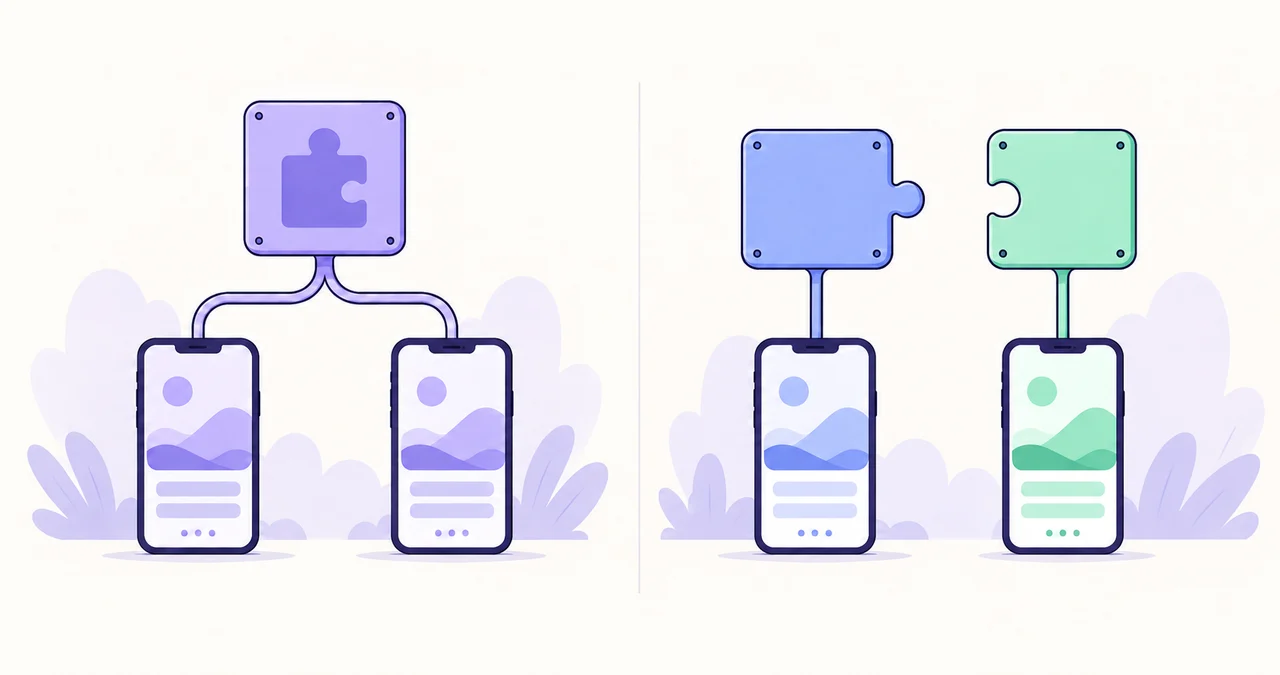
Neither Flutter nor native development is universally better. The right choice depends on the platforms required at launch, the team that will operate the product, the desired interface, and how deeply the app depends on device capabilities. Reviewing those constraints first reduces the risk of expensive rework later.
1. Start with product constraints, not the framework
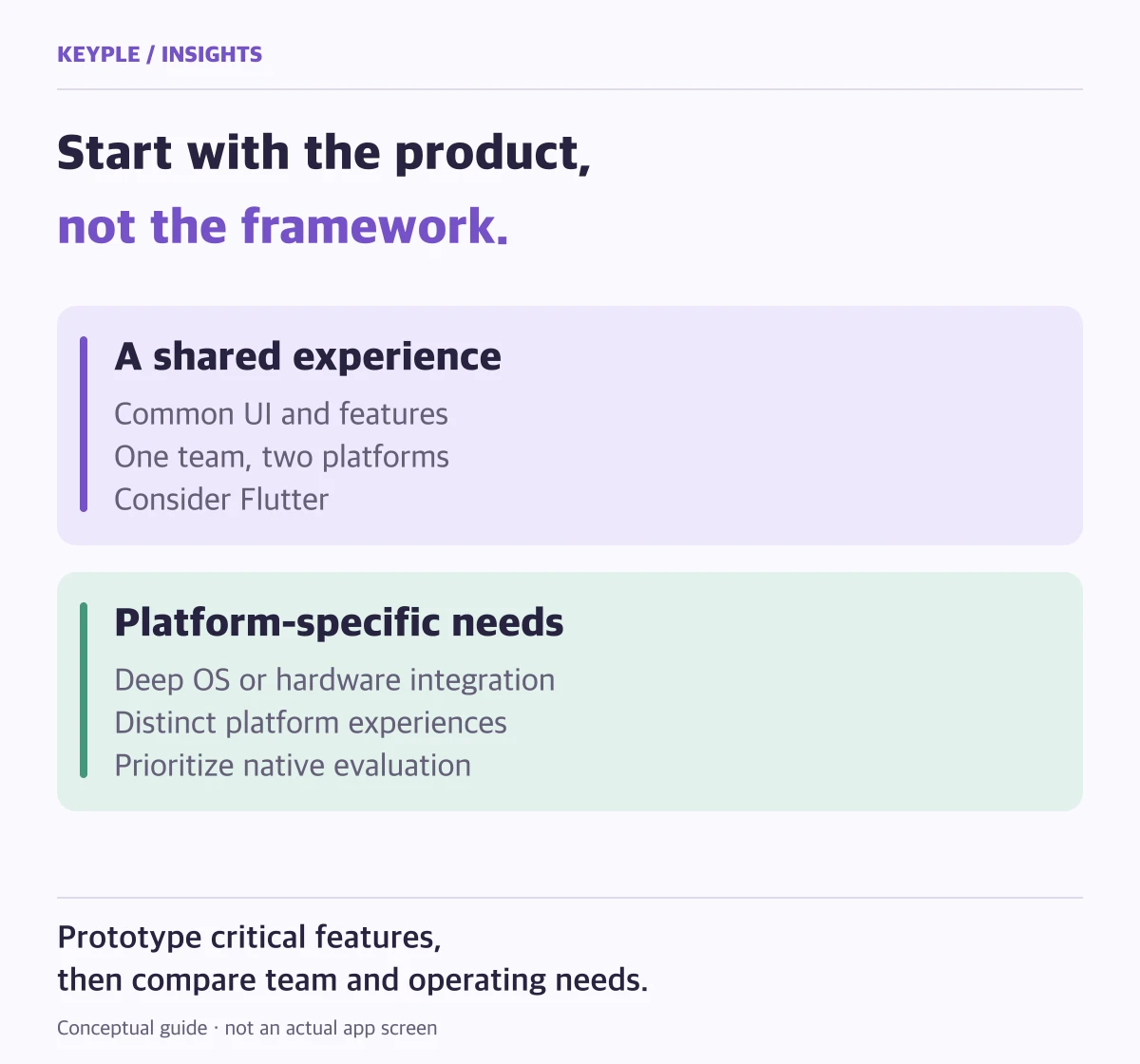
The most important questions are whether iOS and Android must launch together, how deeply the product uses operating-system capabilities such as cameras, Bluetooth, or background work, and whether each platform needs a distinct experience.
Mark features such as payments, notifications, deep links, and social login that require platform configuration. Even with shared code, certificates, permissions, store policies, and real-device validation remain platform-specific work.
2. When Flutter is an efficient fit
Products that provide the same core features and design on both platforms can benefit from Flutter's shared code and UI system. The advantage can continue after launch because feature changes and design-system updates stay within one project.
- An MVP that must launch on iOS and Android around the same time
- A product where branded UI and consistent transitions matter
- Products centered on common app features such as accounts, payments, notifications, and content
- A single product team that plans to operate both platforms together
3. When native development deserves priority
Native Swift and Kotlin development may be more direct when a product depends on newly released operating-system features, long-running background processing, or complex hardware integration.
Organizations that already maintain separate native teams and codebases should also include transition costs in the decision. Introducing a new framework does not automatically reduce total operating cost.
4. Validate performance by feature
It is difficult to predict meaningful performance differences from ordinary forms, lists, content, and animations alone. For heavy data visualization, video processing, real-time audio, or maps with many objects, build a small technical proof and test it on representative devices.
Define success around the actual environment: launch time, memory, battery use, lower-end devices, and recovery from network errors as well as frame rate.
5. Compare maintenance after launch
An initial estimate can hide the later cost of store-policy changes, OS updates, SDK replacements, and incident response. Compare the skills of the operating team, deployment cadence, and automated-test coverage as part of the choice.
KEYPLE separates core features from platform integrations, then identifies the boundary between shared and platform-specific implementation before recommending a development and launch scope.
Frequently asked questions
Can Flutter apps be published on the App Store and Google Play?
Yes. A Flutter project is built and submitted as separate iOS and Android apps with each platform's signing, permissions, privacy requirements, and review policies.
Does Flutter cut development time exactly in half?
No. Core code and UI can be shared, but product planning, design, backend work, platform configuration, device testing, and store review are still required.
Can an existing native app be migrated to Flutter?
Yes, but a full rebuild and a phased migration should be compared. Review current features, native modules, user impact, and release strategy before deciding.