
Five benefits of Flutter app development — from launch to maintenance
Understand how shared code, consistent UI, rapid design feedback, and reusable tests can help an app team. Learn which platform-specific tasks remain and what to ask a development partner.
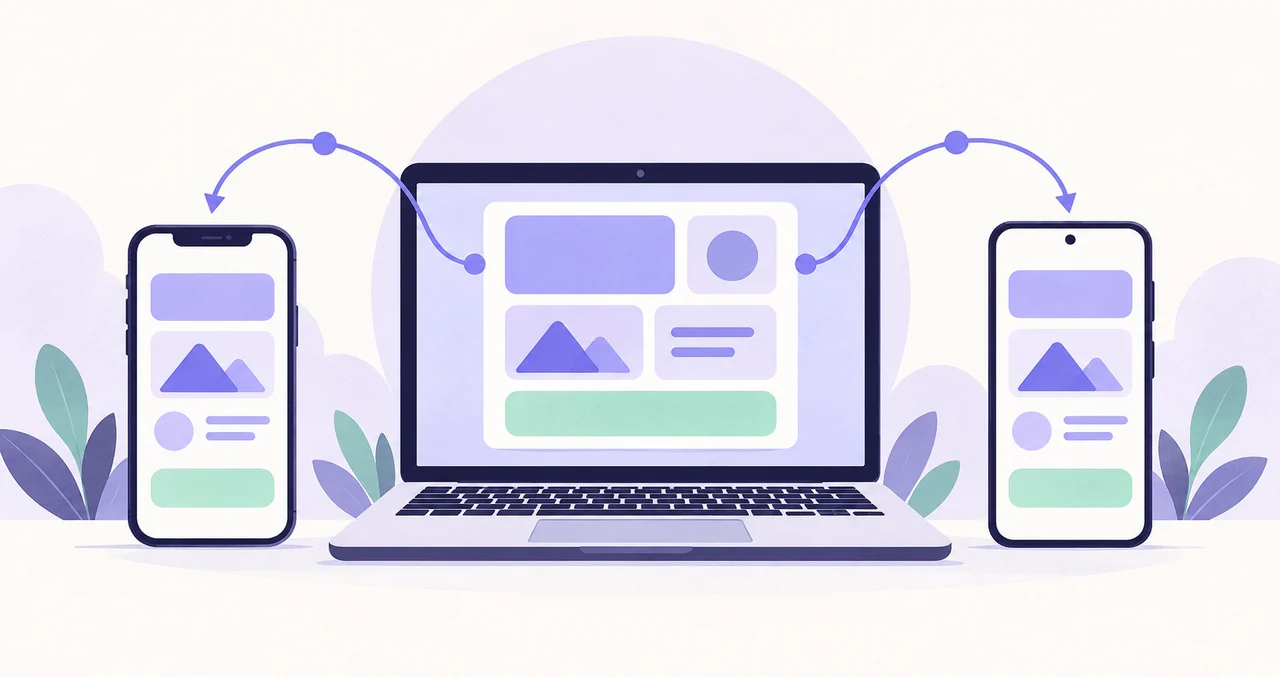
Flutter offers more than the ability to build for two platforms. What matters to a product team is which features it can maintain together, how quickly it can review a design change, and how it can continue improving the app after launch. This guide focuses on practical benefits for clients and operators, rather than declaring one technology universally better. The booking app below is a fictional example, not a measured cost-saving case study.
1. Reduce duplicate implementation of shared features
Flutter lets developers share Dart UI and feature code across platforms. For a booking app that needs the same lists, forms, and history on iOS and Android, the team can identify common implementation work before development begins.
Consider checking required fields before a booking request. A shared validation module can reduce the need to update and reconcile two separate implementations when the rules change. Critical booking and authorization checks must also run on the backend; Flutter does not replace a server.
Ask for a breakdown of shared features and platform-specific integrations. That is more useful for evaluating a proposal than a general promise to reuse code.
2. Manage brand design with a consistent set of components
Flutter builds interfaces by composing widgets. Shared buttons, fields, and cards can provide a consistent basis for colors, typography, and interaction states across screens.
If a booking confirmation button changes, screens that use the common component can follow the same design decision. This can reduce the work of reconciling inconsistencies, but only if the team actually designs and maintains reusable components.
Consistency does not mean forcing an identical layout onto every device. Screen width, larger text settings, keyboards, and back navigation still need appropriate handling. Review small screens and loading or error states, not just one polished design.
3. Shorten the feedback loop while developing screens
Flutter's Hot Reload helps developers apply supported code changes to a running development app and inspect the result quickly. It is useful when adjusting text, spacing, and layout.
A team benefits more when it also defines how feedback works. During a booking-form review, for example, ask whether required fields are clear and error messages are understandable, then examine the revised result together.
Hot Reload is a development feature, not a way to update installed production apps or bypass store review. Some changes, including native code changes, require a restart or rebuild. It does not imply a fixed reduction in the overall delivery schedule.
4. Keep platform features aligned as the product evolves
After launch, requests may include booking filters, favorites, and history improvements. A shared implementation can help reduce cases where one platform misses a feature or behaves differently for an unintended reason.
Updating shared code is not the same as delivering an update to every user on the same day. Signing, builds, review, and release are handled separately, and users may keep older app versions. Backend changes should account for those versions too.
Keep a release record that separates the change itself, iOS and Android verification results, and each store's release status. A shared codebase should not obscure platform-specific delivery progress.
5. Reuse checks for shared behavior in future updates
Flutter supports unit tests for isolated logic, widget tests for UI components, and integration tests for connected flows. Tests for important shared rules can be run again when the product changes.
For a booking app, acceptance criteria might include blocking incomplete requests and allowing users to retry after failure. Separating automated checks from real-device checks gives the team a clearer definition of completion than simply confirming that the app opens.
Choosing Flutter does not create a test suite automatically. Notifications, payments, cameras, and other platform integrations also need checks in real environments. Ask whether test code, execution instructions, and critical verification steps are part of the estimate and handover.
Five questions to ask before commissioning development
The value of these benefits depends on your scope and the team's working practices. If both platforms share the same core experience and will evolve together, use these questions to make a proposal concrete.
- Which features will be shared, and which require separate platform work?
- How will common UI components, small screens, and larger text settings be handled?
- When will we review working screens, and how will feedback be incorporated?
- What will be checked on each platform, and who owns release preparation?
- How will code, tests, and build instructions be handed over to the next maintainer?
Development practices and operational preparation make the difference
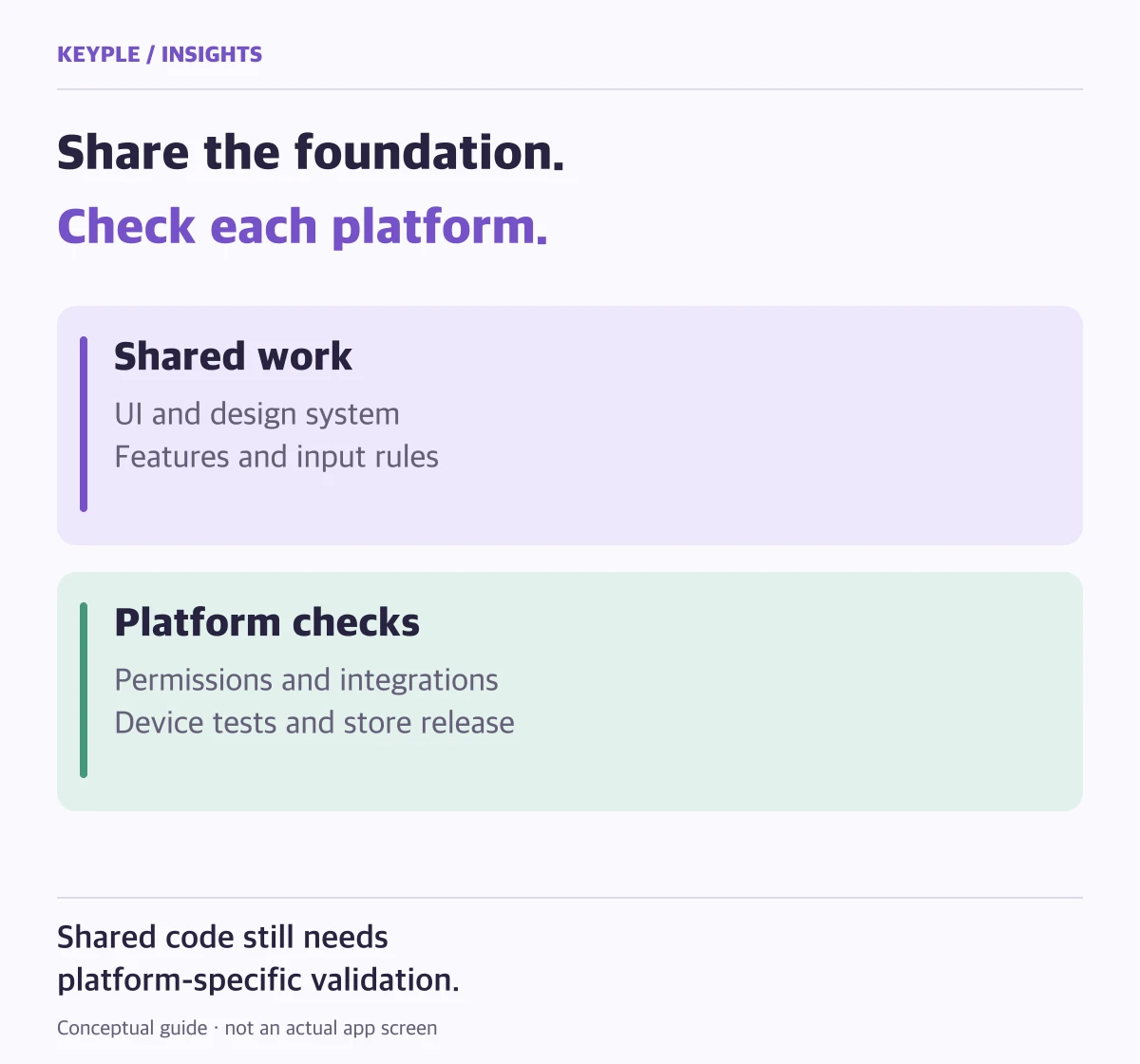
Flutter provides a useful foundation for shared implementation and iterative improvements. Its advantages may be smaller when a product relies heavily on specialized device features or needs fundamentally different experiences on each platform. Validate critical functions and consider the team's operating constraints before choosing a stack.
KEYPLE reviews shared features, platform integrations, first-release scope, and ongoing operational work before development begins. Alongside asking what development will cost, ask which future changes the team will be able to manage together.
Frequently asked questions
Does Flutter cut development cost and time in half?
There is no such guarantee. Shared code can reduce duplicate implementation, but planning, design, backend work, platform integrations, testing, and release preparation remain. Estimate the project against its actual feature scope.
Can iOS and Android apps launch on the same day?
You can plan a coordinated launch, but each store has its own review outcome and approval timing. Track submissions and approvals separately and adjust the release plan when necessary.
Does Hot Reload immediately update an app already in a store?
No. Hot Reload is for inspecting changes during development. Ordinary app-code updates still require platform-specific release builds and store distribution.
Does a Flutter app still need maintenance?
Yes. Operating systems, external SDKs, packages, and store requirements continue to change. Shared code can help coordinate changes, but does not replace ongoing checks or platform-specific verification.