
From Apps-in-Toss development to mini-app launch
A practical overview of service scope, SDK integrations, sandbox testing, review submission, and launch when preparing a Toss mini app.
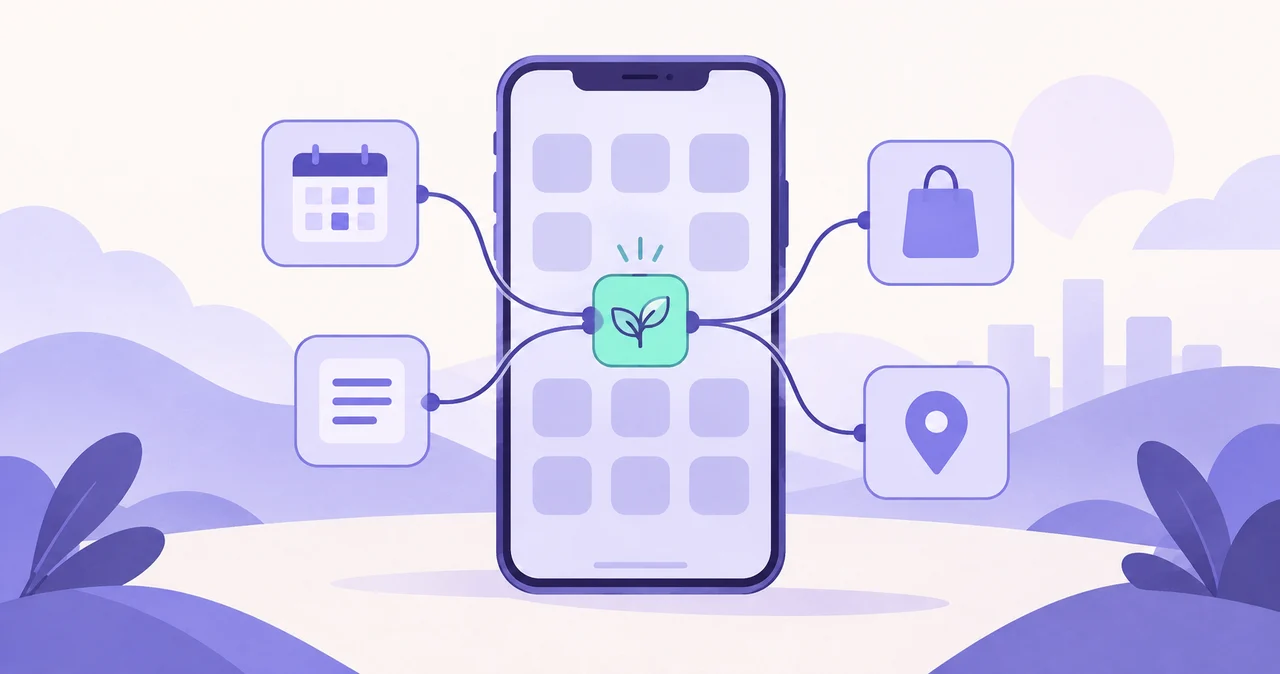
Apps-in-Toss is an environment for mini apps that run inside Toss without a separate installation. Entry paths, interface standards, and release processes differ from a conventional store app, so the scope should be defined around the Apps-in-Toss runtime from the earliest planning stage.
1. Define the core action users complete inside Toss
A mini app should open quickly at the moment of need and let users complete one clear task. Records, calculations, recommendations, and casual games are good examples of focused, repeatable journeys.
Instead of copying an entire existing web or mobile product, begin with the function that creates the most value inside Toss and connect proprietary services or APIs only where necessary.
2. Separate a new build from an existing-service conversion
For an existing web service, review screens, authentication, and APIs to find reusable parts. Building only the mini-app screens and connecting the current backend can reduce scope compared with rebuilding the entire service.
A new product also needs its user journey, data architecture, and operational tools designed from the ground up.
3. Confirm required SDK and API integrations
Classify the integrations the service needs, such as login, user information, sharing, payments, advertising, or a proprietary backend. Available features and policies should always be checked against the current Apps-in-Toss documentation during development.
- User identity and service-account connection
- Need for a proprietary API and database
- Share links and deep links to internal screens
- Analytics, error monitoring, and operational data
- Payments, advertising, and other monetization features
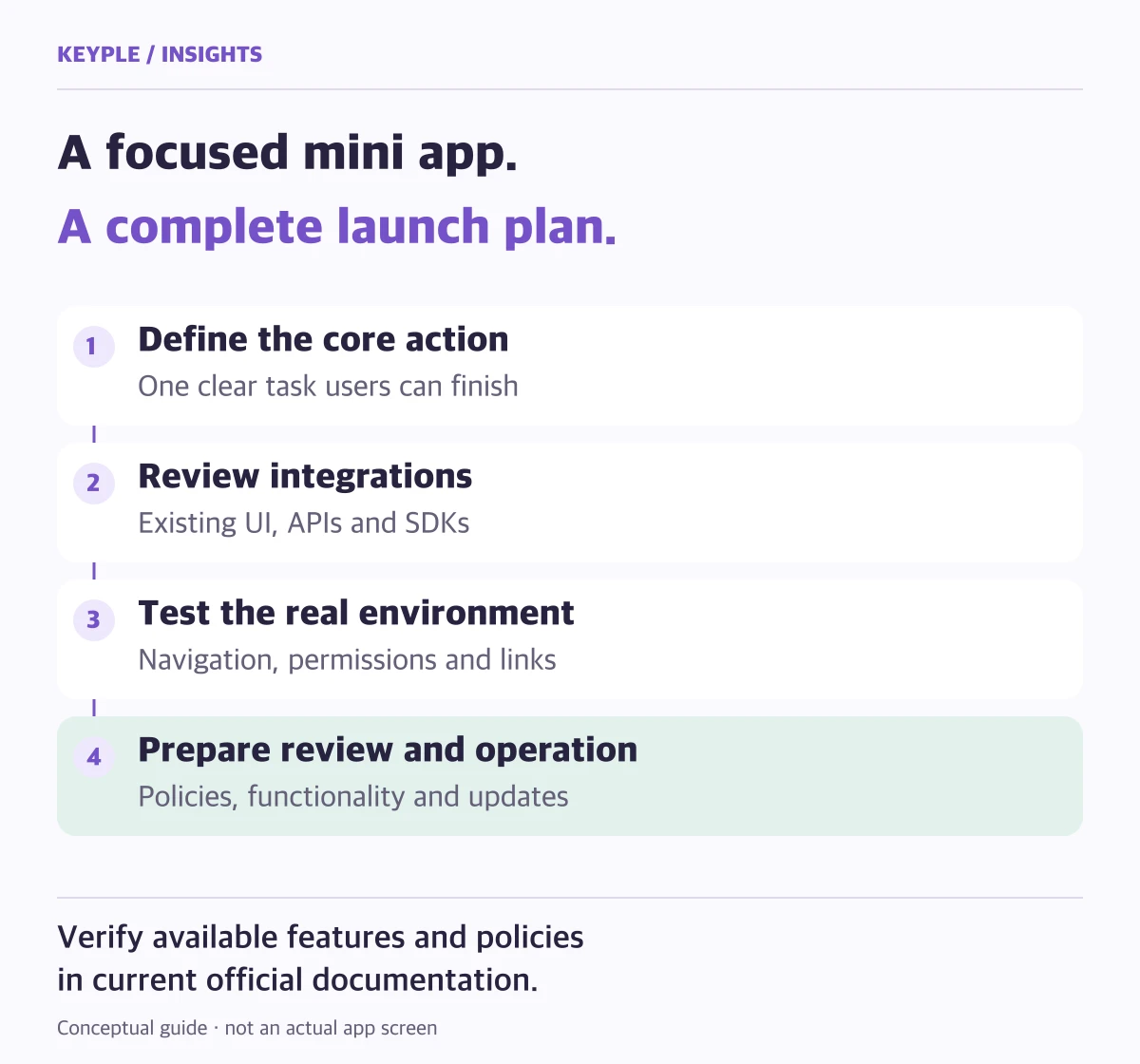
4. Validate in the sandbox and the actual Toss app
Testing must cover navigation, back behavior, permissions, network errors, and varied device sizes as well as feature correctness. When users enter through a shared link, confirm that the destination is understandable and the core action remains easy to reach.
5. Prepare for review and post-launch operation
Before submission, verify service information, required policies, error states, and key functions, then address any feedback from the review. After launch, monitor acquisition paths, completion rates, and errors and continue updating the product.
KEYPLE can separate the needed scope across product planning, UI, SDK and API integrations, testing, review support, launch, and post-release improvement.
Frequently asked questions
Can an existing website be converted to Apps-in-Toss?
Yes. We review the current screens, APIs, and login architecture, then separate reusable parts from those that should be rebuilt for the mini-app environment.
Do users need to install a Toss mini app separately?
Users run the mini app inside the Toss app. External share links can also route them to an appropriate mini-app entry path.
Can you support the Apps-in-Toss launch review?
Yes. We check required items before submission, implement requested changes, and support the product through public release.